
Create a new Location with its own Dashboard to track visitor check-ins.
Before you start
Only a Global Admin can add a Location.
Steps
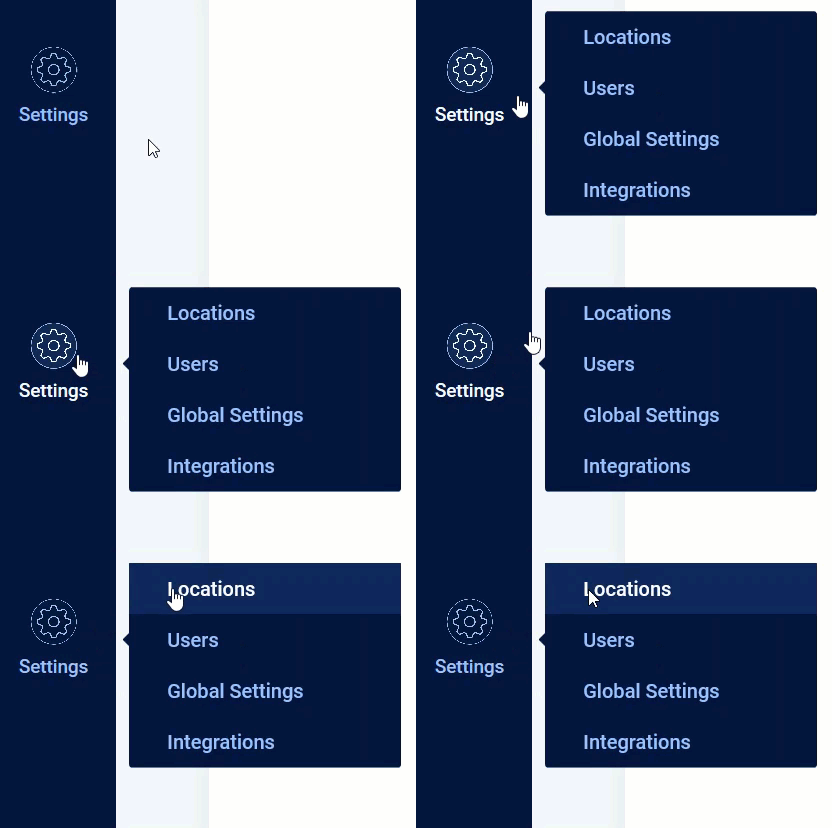
- From the left sidebar, hover over the Settings icon and click Locations.
- Click ADD LOCATION. The Add Location window opens.
- Enter a name for the Location in the Location Name field.
- Enter the Address. SV3 Enterprise suggests addresses as you type. After you submit an address, the Location appears on the map.
- Select the Time Zone for the Location.
Note: All visitor data for this Location displays in the time zone you select here.
- Click SAVE to create the Location, or CANCEL to discard it.
Result
The new Location appears in your Locations list, with its own Dashboard ready to track check-ins from its Lobby kiosks.
Comments
0 comments
Article is closed for comments.