
Create one user account and assign their role and Location.
Before you start
You must be a Global Admin or Local Admin to add new users.
Add a user
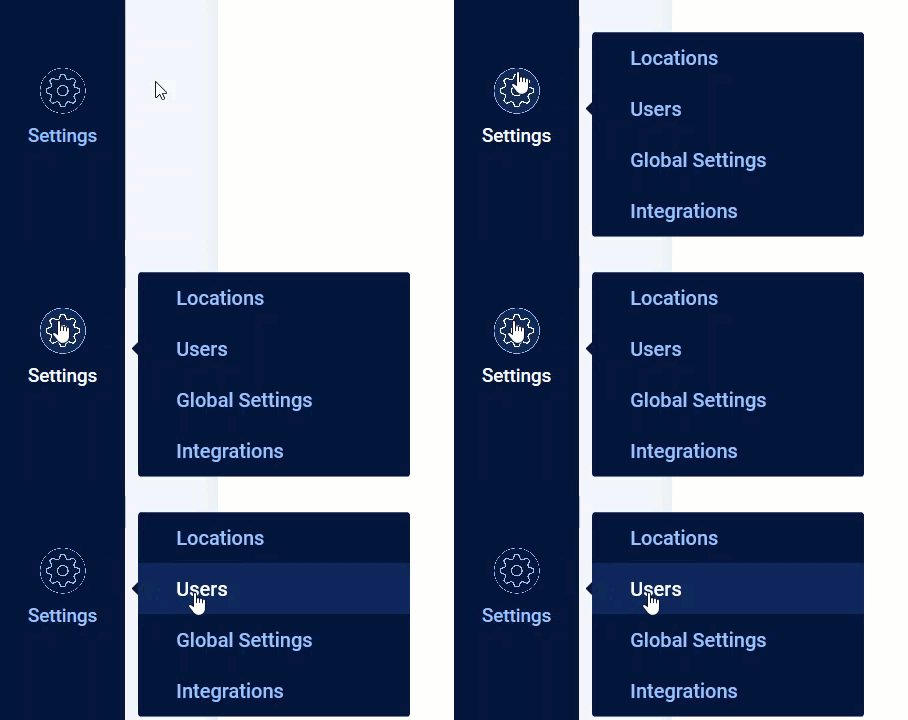
- Click Settings, then click Users.
- Click Add User. The Add User box opens.

- Fill in the required fields (marked with *) and any optional fields you want to complete.
- If the user has different roles at different Locations, click +Add location and role to add a role for each Location.
- Select Send invitation email to new user if you want the new user to receive an automated invitation email to SV3 Enterprise. You can share the SV3 Enterprise login page URL by email later instead.
- Click Save.
Result
The new user appears in the Users list and, if you selected the invitation option, receives an email to set up their SV3 Enterprise login.
Comments
0 comments
Article is closed for comments.