
Use a QR code to connect a Kiosk's iPad to a Location.
Before you start
- Install the Kiosk app on the iPad.
- Generate a registration code and QR code for this Kiosk — see Generate a Kiosk Registration Code.
Steps
- Open the Kiosk app by tapping its icon on the iPad's Home Screen.
-
If this is the Kiosk's first time pairing, the app automatically displays the Registration Page. To re-pair a Kiosk, tap Scan registration code on the pop-up to open the Registration Page.
- Tap QR Code on the Registration Page. Note: The app switches to your rear-facing camera.
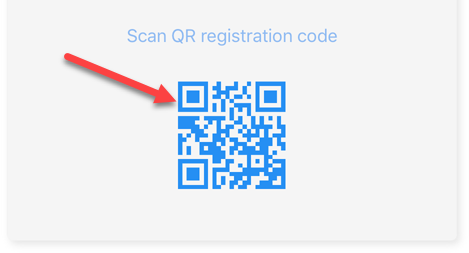
- Center the QR code from the registration box in the iPad's target zone. Move the iPad closer if needed until the code is centered in the frame.
Result
The iPad redirects to the Kiosk's home screen. The Kiosk is now paired with the Location, and the Dashboard updates automatically as visitors check in and out.
Comments
0 comments
Article is closed for comments.