
Schedule a series of visits for a visitor you expect to see regularly, such as a contract worker, without booking each visit separately.
Before you start
- You need a role at the Location where the visits take place. Any role can schedule visits.
- The host must already be a user in that Location's directory. You cannot name a host who is not in the directory.
- If you are a Global Admin, assign yourself a role at the Location first. A Global Admin with no role at a Location cannot schedule visits there or act as the host.
Steps
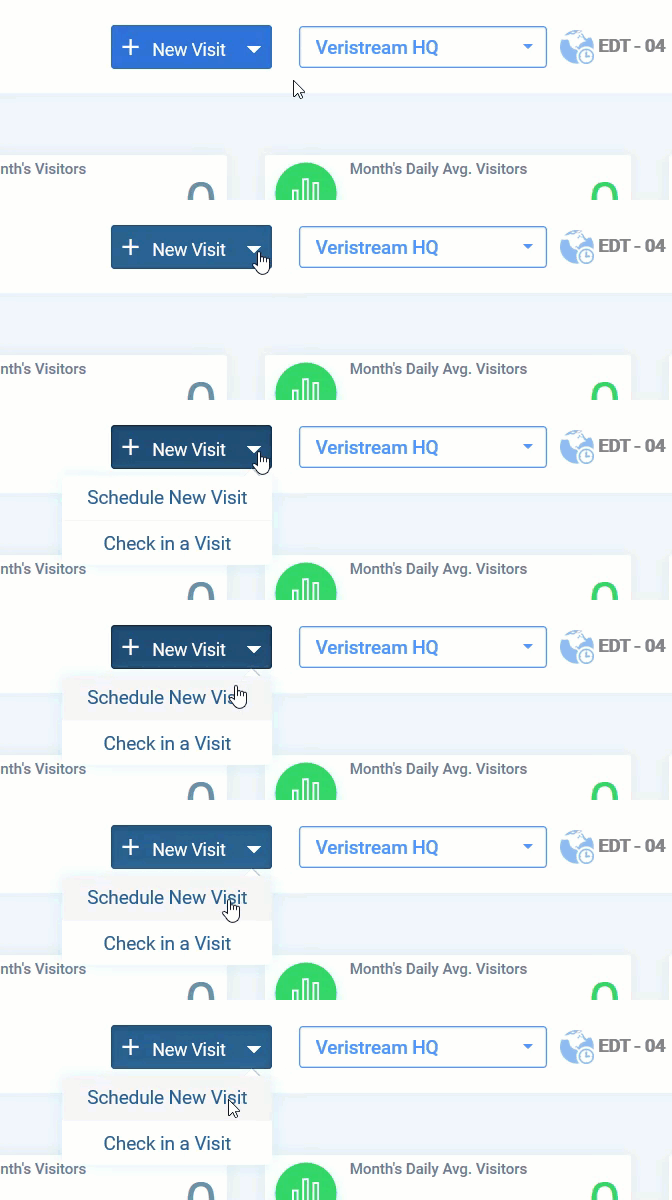
- On the Dashboard, click New Visit.
- Select Schedule New Visit. The Schedule a Visitor window opens.
- Click the Recurring Visit icon. The Recurring Visit panel opens.
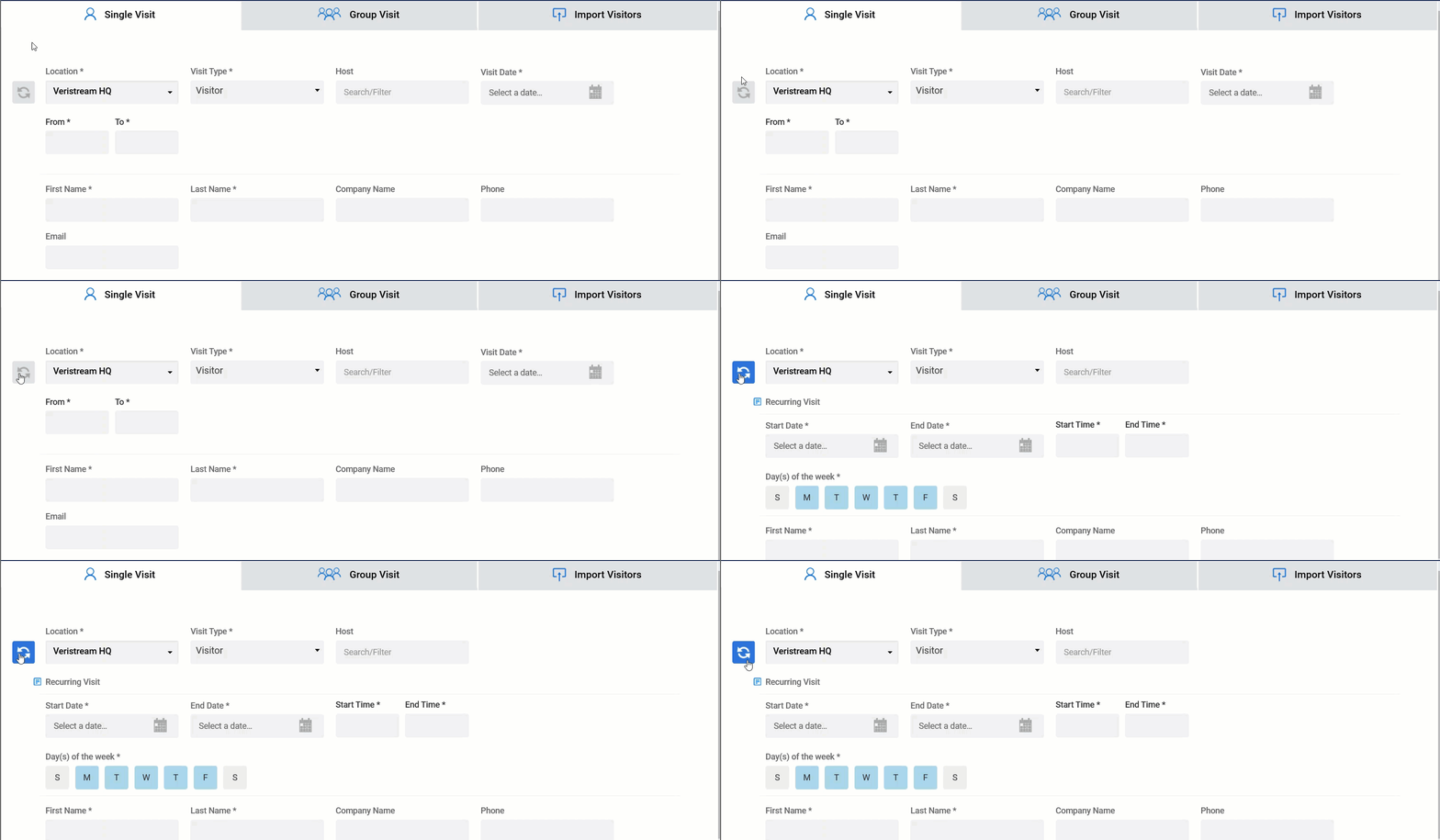
- Select the Location and the Visit Type.
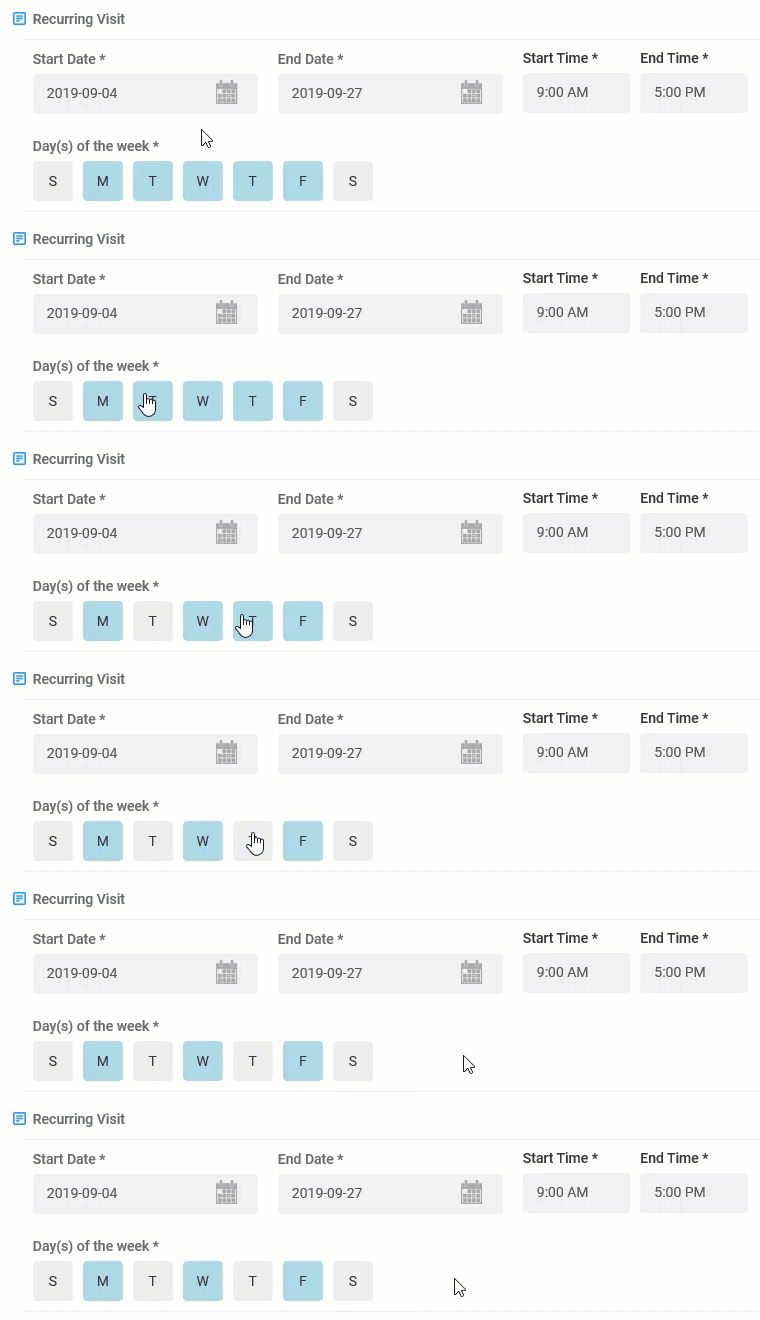
- Enter the Start Date, End Date, Start Time, and End Time. You can schedule visits up to 13 months ahead.
- Select the days of the week the visits take place.
- Start typing a name in the Host field, then select the host from the list of matching users.
- Complete the remaining required fields, marked with an asterisk, and any optional fields you want to fill in.
- Click Schedule Recurring Visit. To leave without saving, click Cancel.
Note: If the Visit Type collects Citizenship, that field stays empty on the scheduled visit. The visitor chooses their own citizenship when they check in.
Result
The series appears on the Dashboard, and the visitor receives one QR code that works for every visit in the series.
Note: Whatever the visitor enters at the first check-in fills in automatically at later check-ins. If the Visit Type requires a photo, the Kiosk takes a new one each time.
Comments
0 comments
Article is closed for comments.